01
Upload raw footage
Every camera, every take. Broll indexes each frame as it arrives — no logging, no bins.
Drop raw footage
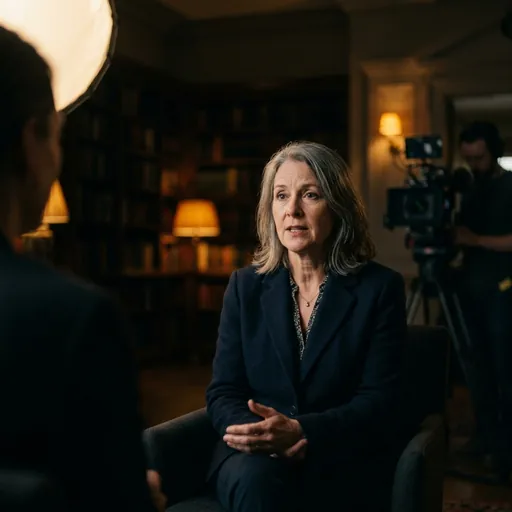

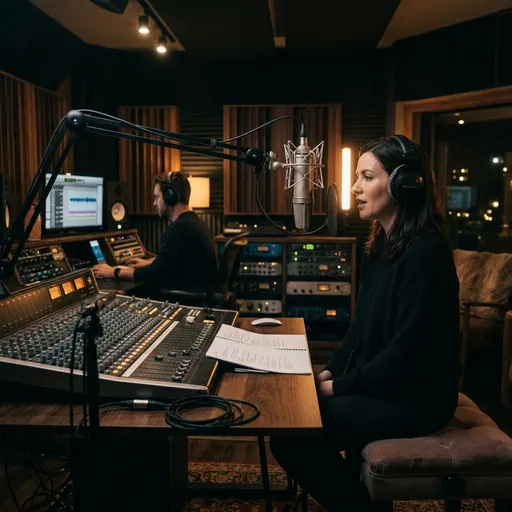
Upload raw footage and describe the video you want. Broll's agent builds the first cut — story, captions and grade — ready for Premiere, Resolve or Final Cut.
 DaVinci Resolve plugin is ready. Live now for Resolve Studio on Windows.
The teaser
DaVinci Resolve plugin
Ask for a cut, captions or a grade in plain words and watch it happen — without leaving Resolve.
Windows · v0.2.0 · 90 MB
 DaVinci Resolve Studio · Workspace › Workflow Integrations › Broll AI


Broll AI
monthly views powered by teams using Broll
follower production house among Broll's users
8h12m
typical edit time, before human review
How it works
Every camera, every take. Broll indexes each frame as it arrives — no logging, no bins.
Say what you want in plain language. Broll finds the moments and builds the story.
Publish the cut, or export a timeline XML and keep refining in your own editor.
Captions, color grading and lip sync happen in the same pass.
Features
Every frame indexed on upload. Describe the shot — the clip surfaces. No logging, no bins.
DRONE_0400:12A012_TAKE3B-ROLL_CITYINT_STUDIOVO_FINALCU_HANDSOne cinematic grade matched across every camera and take.
Drag to compare · one grade across every camera
Styled, timed to the cut — and they move when the edit moves.
Andthat'sexactlywhywebuiltit.
Dub into new languages with lips that actually match the audio.
A standard timeline XML — keep cutting exactly where the agent left off.
Why teams switch
Broll removes the upstream work — watching, logging, assembling — and leaves the creative calls with your editors.
| Task | Manual editing | With Broll |
|---|---|---|
| Watching the footage | Scrub every clip by hand | Every frame indexed on upload |
| Finding the moments | Log takes, search by memory | Search footage like text |
| Assembling the first cut | Drag clips onto a timeline | Built from one sentence |
| Captions | A separate pass | Timed to the cut, automatically |
| Color across cameras | Match shots one by one | One grade, every camera |
| Handing off | Start from raw footage | Timeline XML for your editor |
| Typical first cut | ~8 hours | ~12 minutes |
Edit time before human review, as reported by teams using Broll.
Use cases
16:9 · 9:1601 / 05One conversation, cut into multiple stories.
Multi-cam02 / 05Multi-camera shoots to client-ready cuts.
Daily03 / 05Daily videos without an editor per format.
Aerial04 / 05A 45-second walkthrough from one prompt.
Every ratio05 / 05More output in the same editing time.
Workflow
Broll is an agentic AI video editor. You hand it raw footage, and it builds the story, cuts the edit, writes captions, grades color and exports a publish-ready video — no timeline work required.
Broll watches and indexes every frame, so it can search your footage the way you'd search text — surface the best takes, find b-roll that matches the story, and put the right clip in the right place.
Yes. Broll exports a standard timeline XML, so you can take any edit into Premiere Pro, DaVinci Resolve or Final Cut Pro and keep cutting exactly where the agent left off.
Yes — captions, AI color grading and lip sync across languages are part of the same pass. The goal is a video you can publish, not a rough assembly.
Production houses and creator teams — including teams behind 200M+ monthly views — use Broll to turn an eight-hour edit into about twelve minutes.
Download the Broll plugin for DaVinci Resolve Studio, run the installer, and sign up inside the panel — your free credit is added straight away. No card required.
No. A B-roll generator adds supplementary footage into an edit you've already made. Broll is a full agentic video editor — it takes your raw footage and builds, cuts, captions, grades and exports the entire video, not just one layer of it.
Broll doesn't have public self-serve pricing yet — write to hello@trybroll.com and we'll set up a plan for your team.
The Broll plugin for DaVinci Resolve is live. Install it, sign up, and your free credit is waiting.